Description: Filter and shape points for more art-directable simulation sourcing. Initialize attributes to source into simulations. For best results, use with the output of a POP sim, but can be used on any points.
Overview
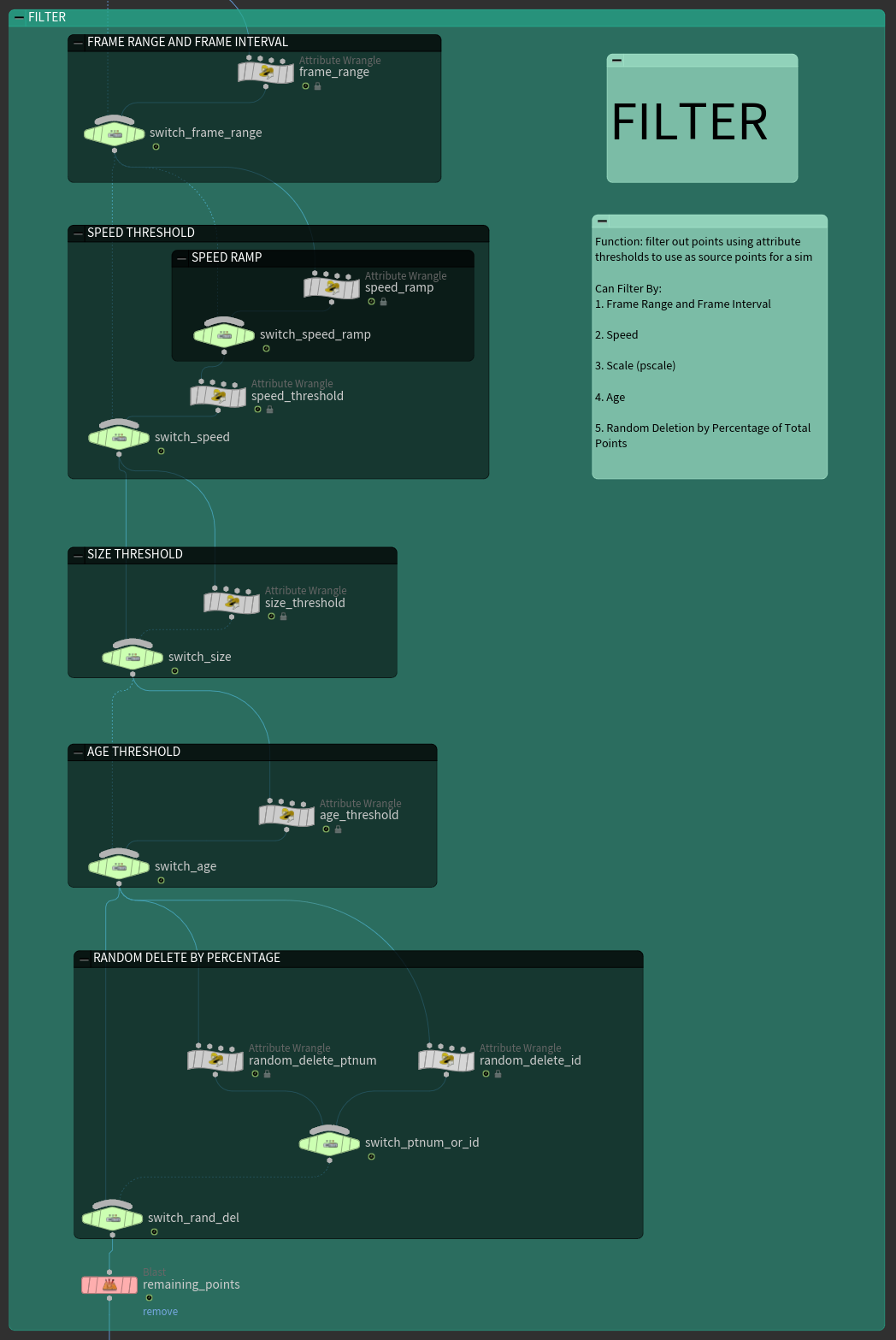
Filter
The Filter Tab can be used to filter particles and points based on attribute thresholds such as speed, size, and age. Additional filtering options such as filtering by frame range and frame interval (modulo to only keep source points every given number of frames) as well as a randomized deletion of a percentage of the total points are helpful to limit the overall number of source points.

Shape
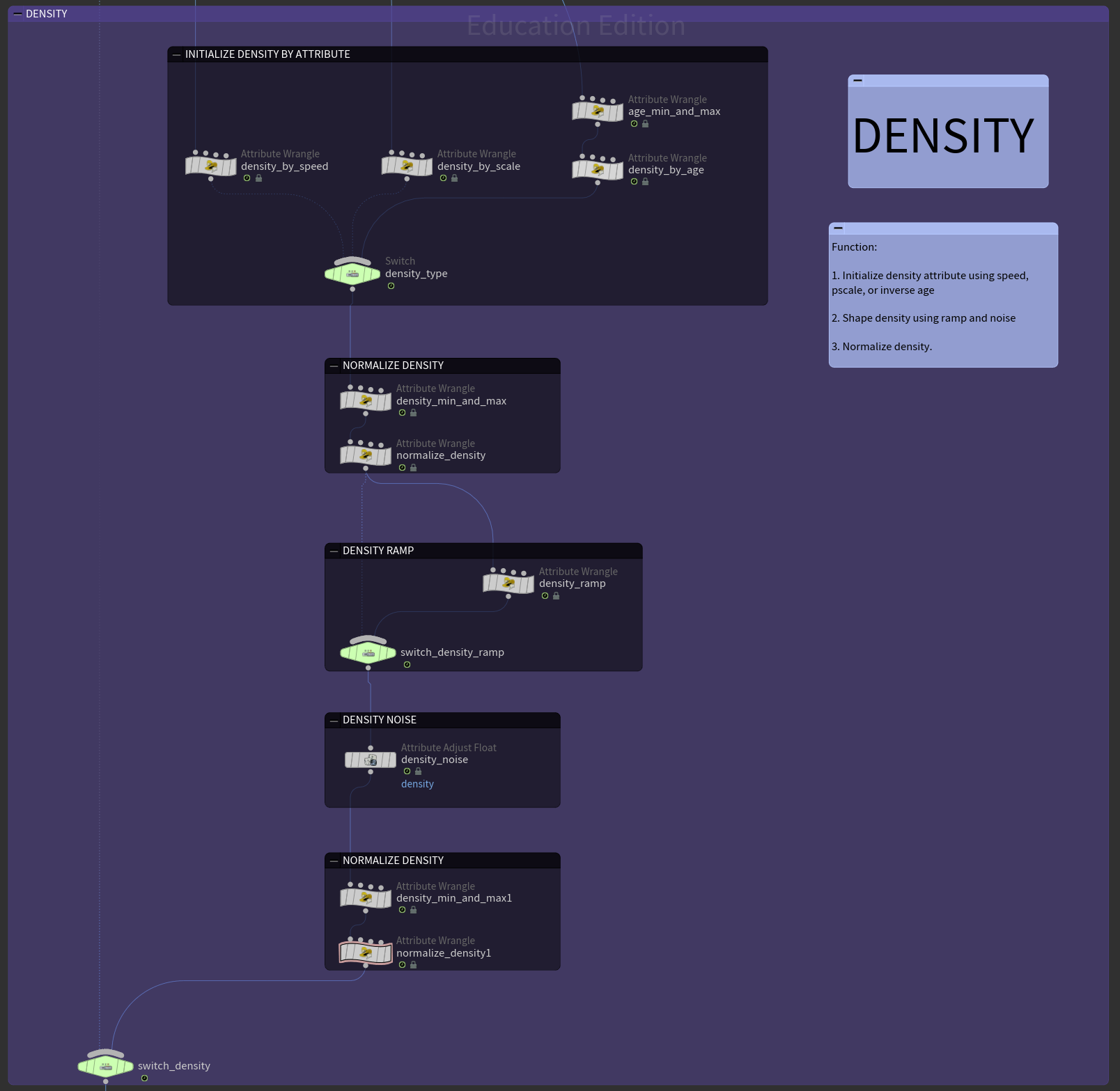
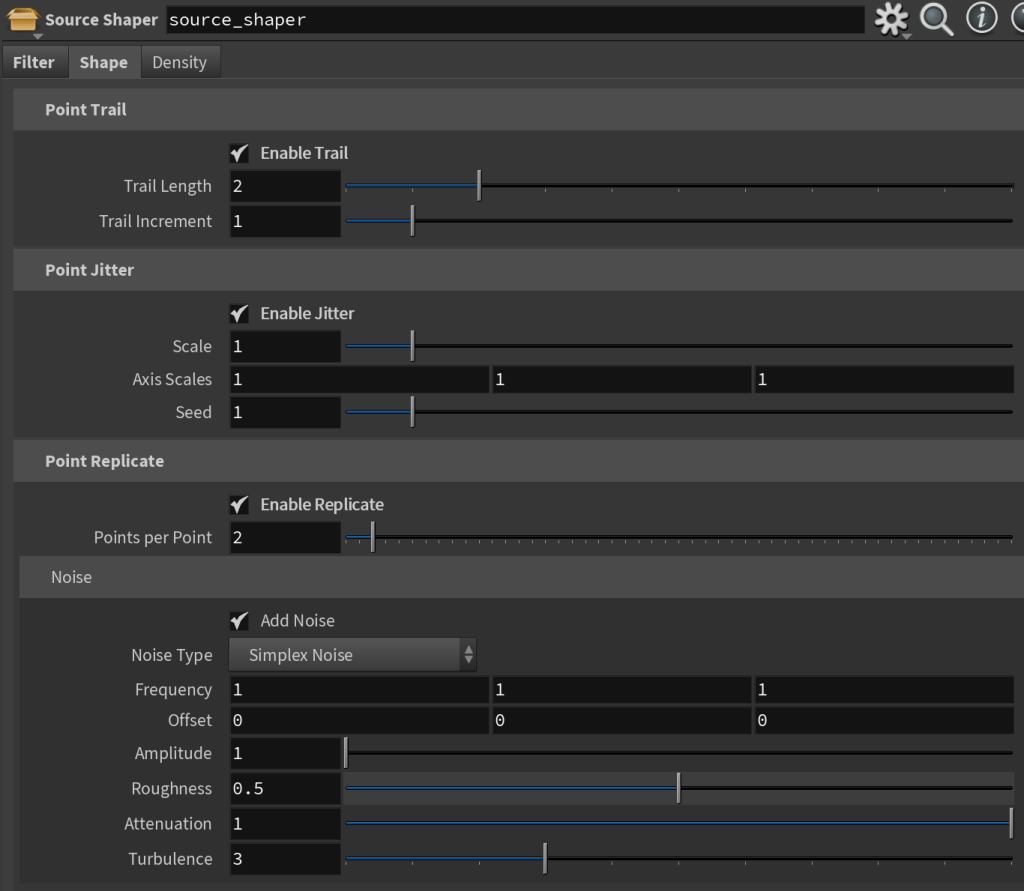
The Shape Tab can be used to generate point trails, replicate points, and add noise to point positions to define the overall shape in preparation to sourcing.
Density
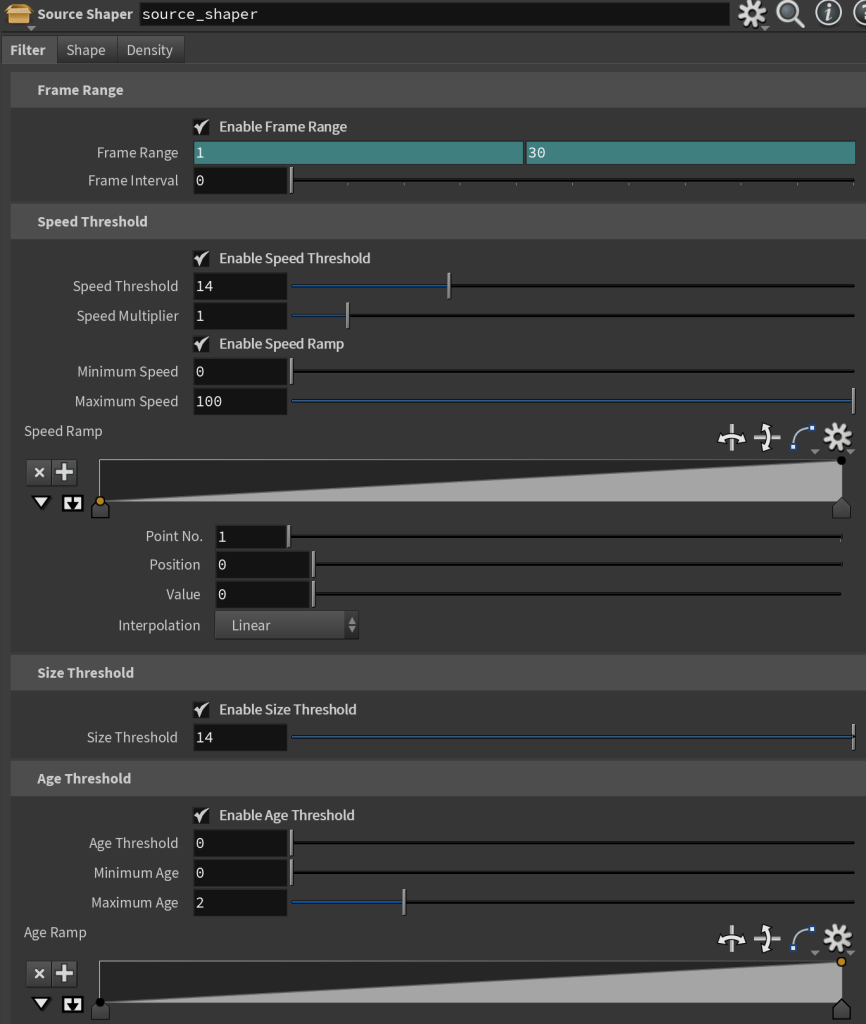
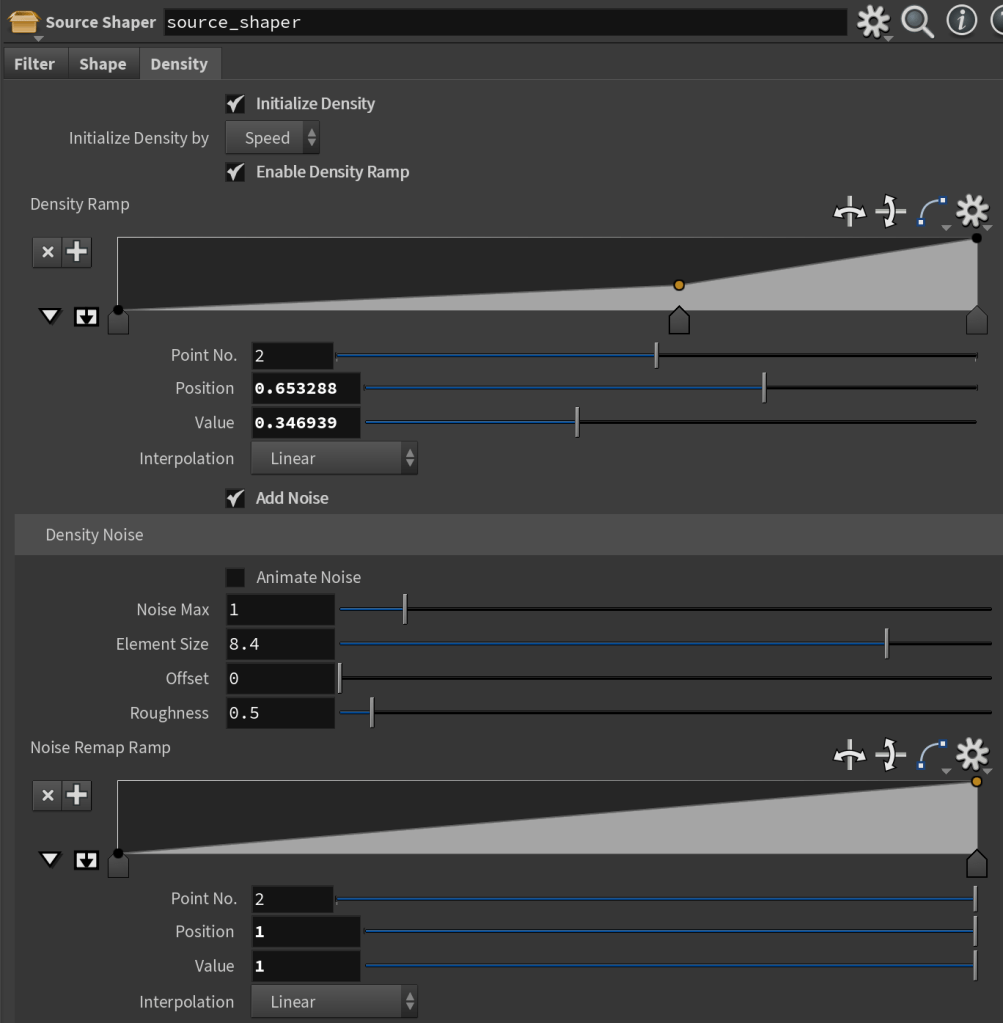
The Density Tab initializes a normalized density attribute on the points using speed, pscale, or inverse age, defaulting to 1 across all points if none of the given attributes are present. Noise and ramp parameters allow for variation in the distribution of density and improved aesthetic control over the simulation.
Use Cases
Pyro Sim Debris Trails from RBD Destruction Pieces
Use: Source and shape points from the debris pieces of an RBD destruction simulation to create Pyro Dust Trails from the pieces.
Works off of the output of an RBD destruction simulation. After extracting the centroid points of the simulated packed pieces, the Filter Tab can be used filter the fastest moving points or remove any static and inactive piece points that were pinned in the simulation. The Shape Tab can then be used to generate point trails, replicate points, and add noise to create the general shape of the volume to be sourced into a Pyro simulation. Finally, the Density Tab initializes a normalized density attribute on the points using speed, pscale, or inverse age, defaulting to 1 across all points if none of the given attributes are present. Noise and ramp parameters allow for variation in the distribution of density and improved aesthetic control over the simulation.
Engine Smoke Trail from Animated Geometry
Use #1: Source Points for POP Sim from Animated Geometry
For setups where simply scattering particles on source geometry yields an unappealing stepped and uniform look or there are not enough initial points to serve as a sufficient source for a particle simulation, the Shape Tab can add trails and point replication with noise, which can be used as the particle source points.
Use #2: Filter and shape POP Net particle output and initialize density on the points for sourcing into a Pyro simulation.
Working off of the simulated particles from the animation, the Filter and Shape Tabs allow for the additional filtering and shaping of the points to further refine the overall shape in preparation for sourcing into a Pyro simulation. To define the look of the Engine Smoke Trails, the Density Tab initializes a normalized density attribute on the points using inverse age (less density as particle age increases). Noise and ramp parameters are used to control the density variation and distribution over the volume for improved art-directability of the simulation.
Filter Source Points for RBD Emission
Use: Refine and isolate source points for instancing pieces into an RBD emission simulation.
Works off of the output particles of a POP Net, which was used to simulate particles flying off of a RBD destruction object. The HDA allows artists to filter the incoming particles based on attribute thresholds such as speed, size, and age. Additional filtering options such as filtering by frame range and frame interval (modulo to emit every given number of frames) as well as a randomized deletion of a percentage of the total points are helpful to limit the overall number of emitted RBD objects.
 Kyra Isabella Designs